
India's Most Advanced 3D Computer Setup for Schools
Complete end-to-end 3D lab installation — high-performance CAD workstations, 3D printers, modeling software, VR tools, and full on-site teacher training for schools across India.
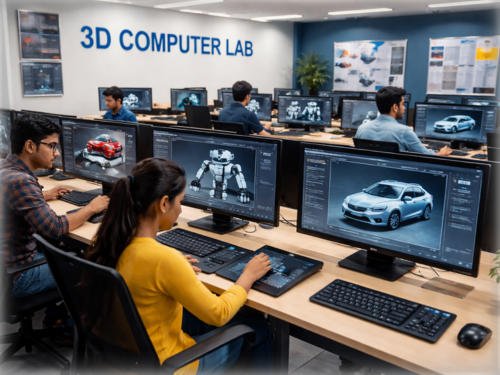
Where Digital Designs Come to Life
A purpose-built learning space where students use high-performance workstations and professional 3D software to design, simulate, and physically print their own ideas — bridging the digital and physical world in the classroom.
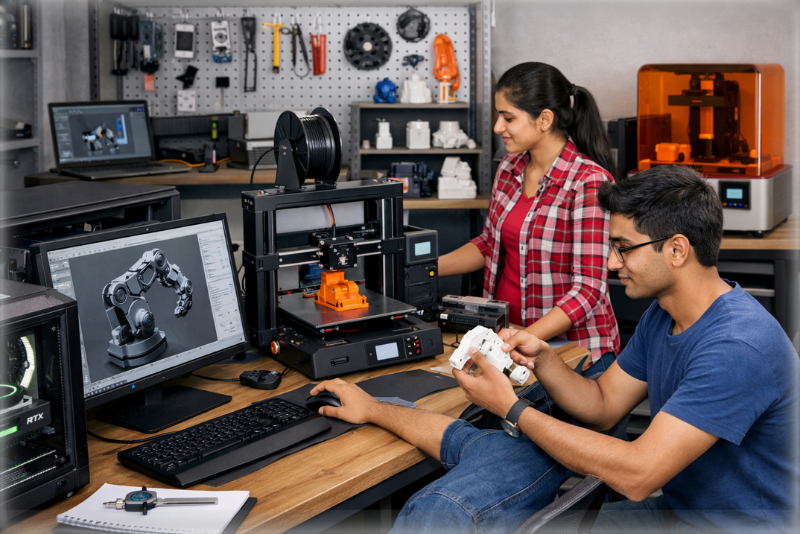
3D Design to 3D Printing Process
Students follow a complete professional workflow — from a digital concept to a real physical object in their hands.
3D Design
Create model using Blender, Tinkercad or AutoCAD
Slicing
Convert 3D file to printable layers via Cura
3D Printing
FDM/resin printer builds the object layer by layer
Finished Object
Real physical prototype ready to test & present
Complete 3D Lab Solution
Every component designed, sourced, and installed by our team — so your school gets a fully operational lab from day one.
High-Performance CAD Workstations
Dedicated GPU computers with 16GB RAM and SSD — optimized for 3D modeling, rendering, and simulation without any lag.
3D Printing Technology
Professional FDM and resin 3D printers installed and calibrated — students can print their own designs from day one.
Design & Modeling Software
Licensed Blender, SketchUp, Tinkercad, AutoCAD, Fusion 360 — pre-installed and curriculum-configured on every workstation.
4K Interactive Smart Board
Large-format smart displays for teacher-led instruction, live 3D design demos, and collaborative project reviews.
VR / AR Learning Systems
Standalone VR headsets with 3D education content — students experience their designs in full immersive scale before printing.
Teacher Training Program
Comprehensive on-site training — covering software operation, project design, student assessment, and classroom management.
Enterprise Equipment, School Ready
Every hardware component is enterprise-grade, education-configured, and covered under our AMC from day one of installation.
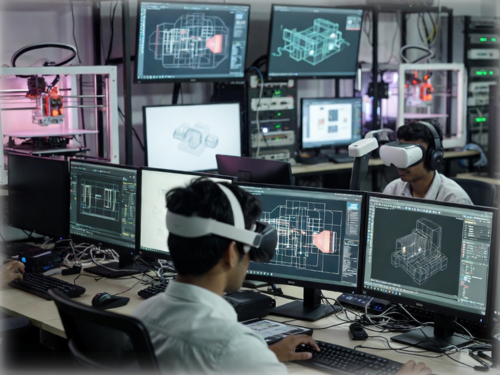
CAD Workstations
Dedicated GPU, 16GB RAM, SSD
3D Printers
FDM + Resin, multi-filament
3D Scanners
Reverse engineering & scanning
Smart Board 4K
Interactive collaborative display
VR Headsets
Standalone, educational content
Networking
High-speed LAN, managed switch
Audio System
Classroom speakers for VR/AR
UPS & Power
Surge protection, uninterrupted
Industry Tools, School Licensed
Pre-installed and configured professional 3D design software — the same tools used by engineers, architects, and product designers worldwide.
3D Design & Sculpting
Create, sculpt, and render three-dimensional models with polygon modeling and parametric design workflows.
Professional CAD Software
Precision engineering, technical drawing, 2D drafting, and 3D mechanical prototyping used in real industry.
3D Animation & Motion
Rig, animate, and render cinematic 3D sequences — from character animation to product walkthroughs.
Slicing & Print Prep
Prepare 3D models for printing — slicing, support generation, temperature and speed optimization.
Curriculum Design Platforms
Grade-wise guided 3D learning journeys aligned to NCERT and NEP 2020 learning outcomes.
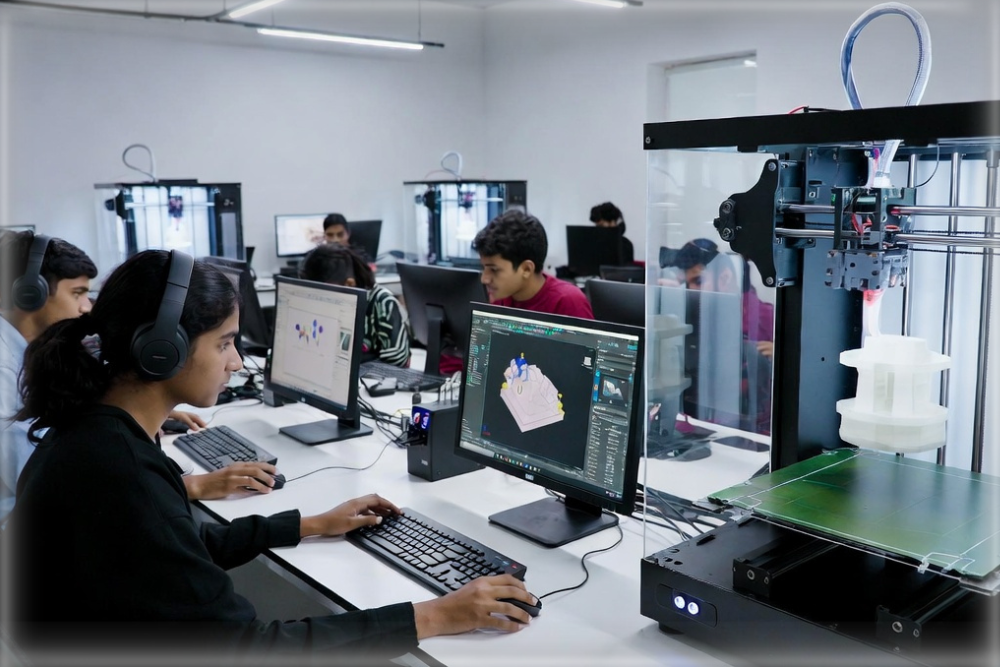
Real Projects Students Build
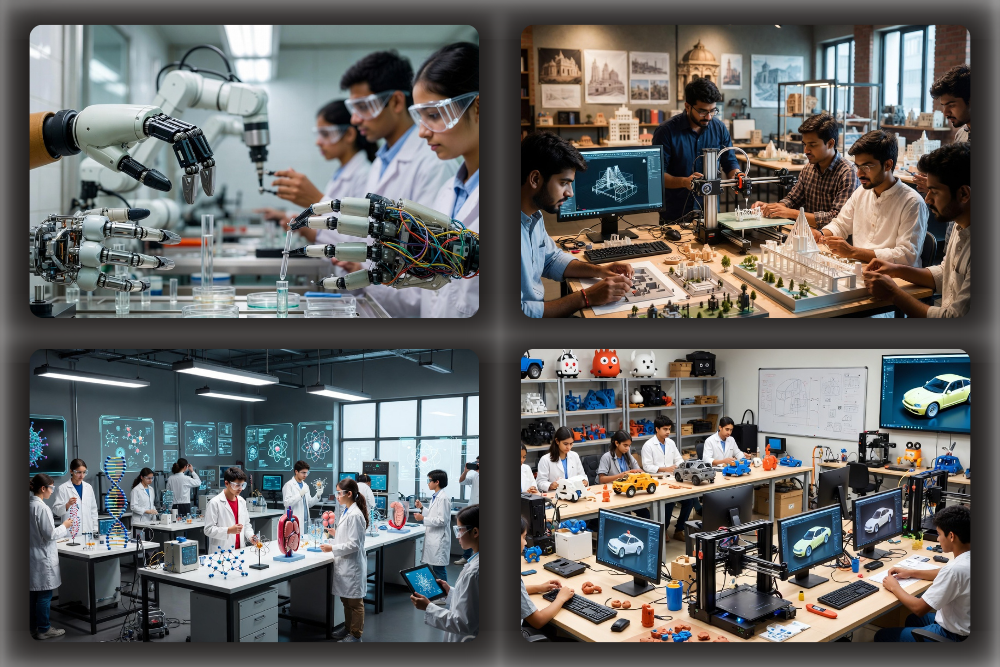
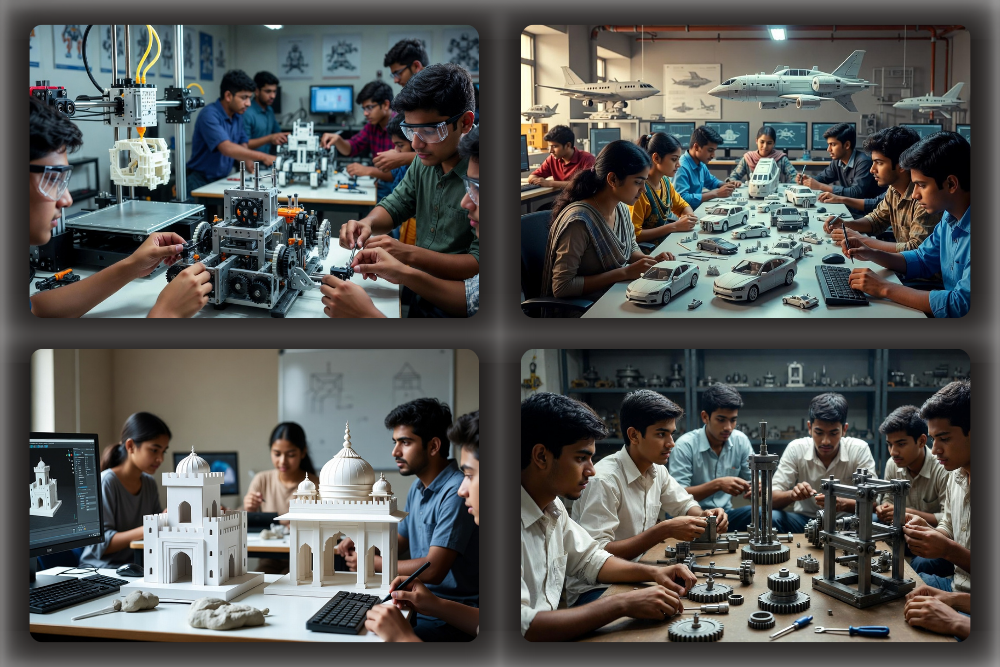
Every student leaves with a physical 3D-printed prototype they designed from scratch — robots, buildings, vehicles, organic models and more.
What Students Design & Print
From robots and vehicles to castles and spaceships — students design and 3D print anything they can imagine using professional software tools.
From Idea to Reality — 5 Simple Steps
The complete student journey every time they create a new 3D project in the lab
Learning Outcomes That Schools Measure
Every benefit below is aligned to NEP 2020 competency goals — from design thinking to career-ready technical skills.
Concept Visualization
Students see abstract STEM concepts in 3D — geometry, physics, biology all become tangible and understandable.
Creativity & Design Thinking
Every project starts from a blank canvas — developing creative instincts and the design-iterate-build mindset.
Problem-Solving Skills
Engineering real 3D objects trains systematic, logical, and spatial thinking across all subjects.
Modern Technology Literacy
Hands-on 3D printing, CAD, and VR builds early proficiency in skills demanded by every future industry.
Innovation & Maker Culture
Students compete in science fairs and hackathons with real 3D-printed prototypes — not just slide decks.
Career Readiness
Direct pathway to engineering, architecture, product design, and manufacturing careers from school itself.
Structured Learning for Every Grade
Age-appropriate 3D design curriculum mapped from Class 3 through Class 12 — progressive, skill-building, and NEP-aligned.
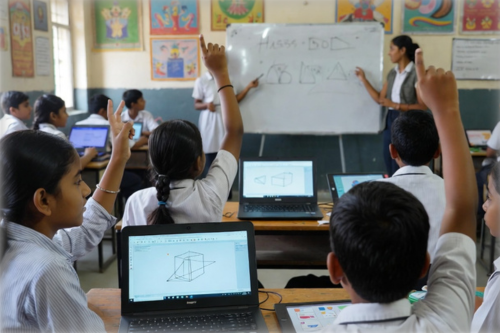
Primary Level
Basic shapes, block building, and guided digital creativity with simple 3D tools.
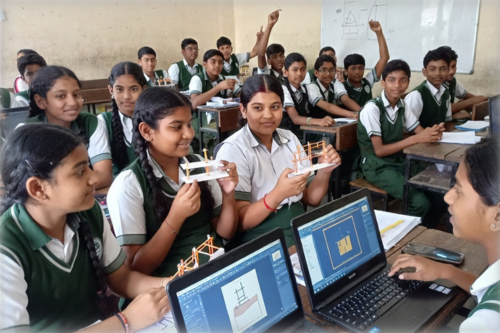
Middle Level
3D modeling fundamentals, first print projects, and introduction to animation.
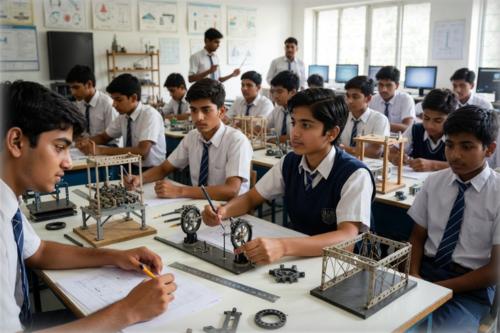
Secondary Level
Engineering model construction, CAD workflows, and science prototype design.
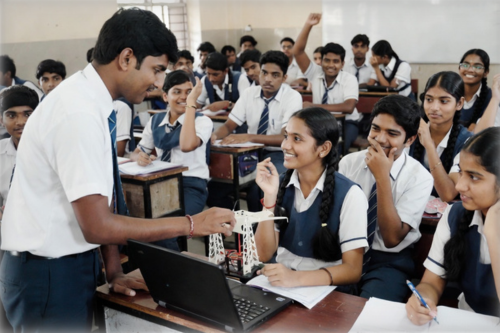
Senior Level
Professional AutoCAD, prototyping, engineering simulation, and competition projects.
What Students Build & Create
Every activity produces a real, tangible output — students leave with 3D-printed prototypes they designed themselves.
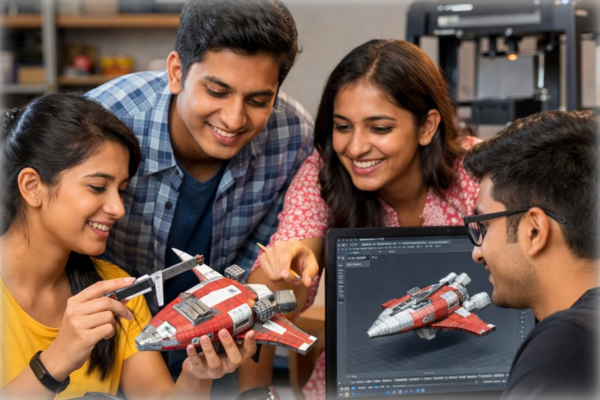
Real Object 3D Modeling
Recreate everyday objects as accurate 3D digital models using Blender and SketchUp.
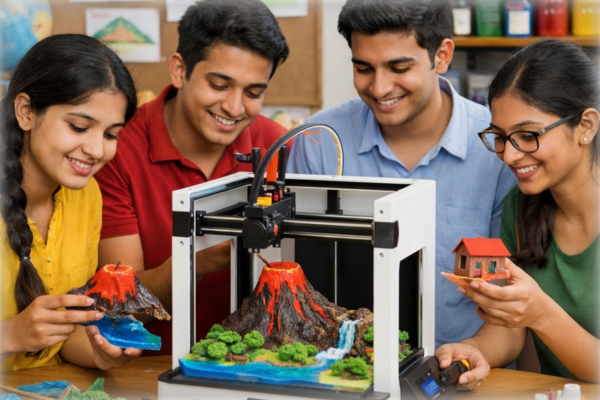
3D Printing Projects
Students print their own designs — trophies, mechanical parts, science models using FDM printers.
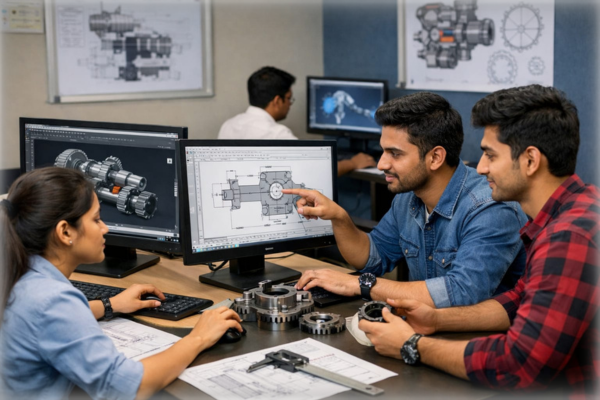
Machine Parts & CAD
Design precise mechanical parts in AutoCAD and Fusion 360 with engineering tolerances.

Science Prototypes
Print 3D models of DNA strands, atom structures, gear trains and human organs for science class.
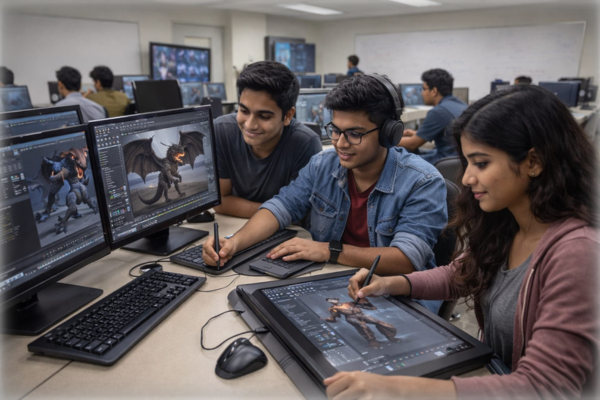
3D Animation & Scenes
Rig and animate 3D characters, create product walkthroughs, and build cinematic sequences in Blender.
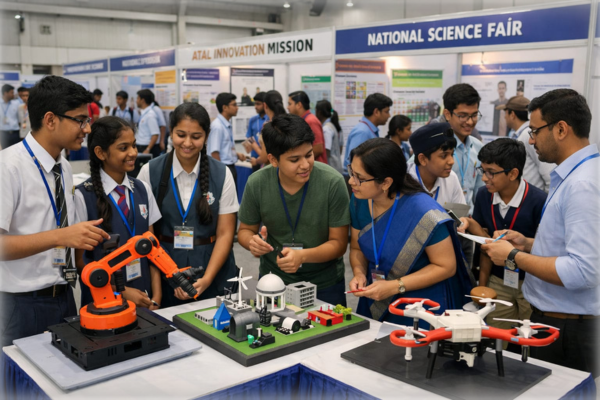
Innovation Competitions
Teams compete in Atal Innovation Mission and national science fairs with real 3D-printed entries.
Lab Ready in 6 Simple Steps
From your first call to your first 3D print — our setup process takes as little as 48 hours with zero disruption to school operations.
Requirement Analysis
Site visit, space planning & student capacity assessment
Lab Design & Layout
Custom layout, power & network infrastructure plan
Hardware Install
Delivery, mounting, and full configuration of all equipment
3D Printer Setup
Calibration, test prints, filament loading & profiles
Teacher Training
Full-day hands-on training on software, projects & assessment
Support & AMC
Annual maintenance, software updates & curriculum resources
Labs We've Built Across India
Real installations, real students, real 3D printing — a glimpse inside the labs we've built across 18+ states.